
We’re done with manual.
Snapshots and Spaces as composable commands.
Restore, automate, and keep moving.
Notes? Later.Let the machine write the first draft.
Core commands
A small surface area. Composable primitives.
Learn a handful of commands, then wire them into your workflow.
Initialize once
Set up .rinne/ so you can start saving snapshots here.
rinne init
Take a snapshot
Create a new snapshot. Use --full when you need a full rebuild.
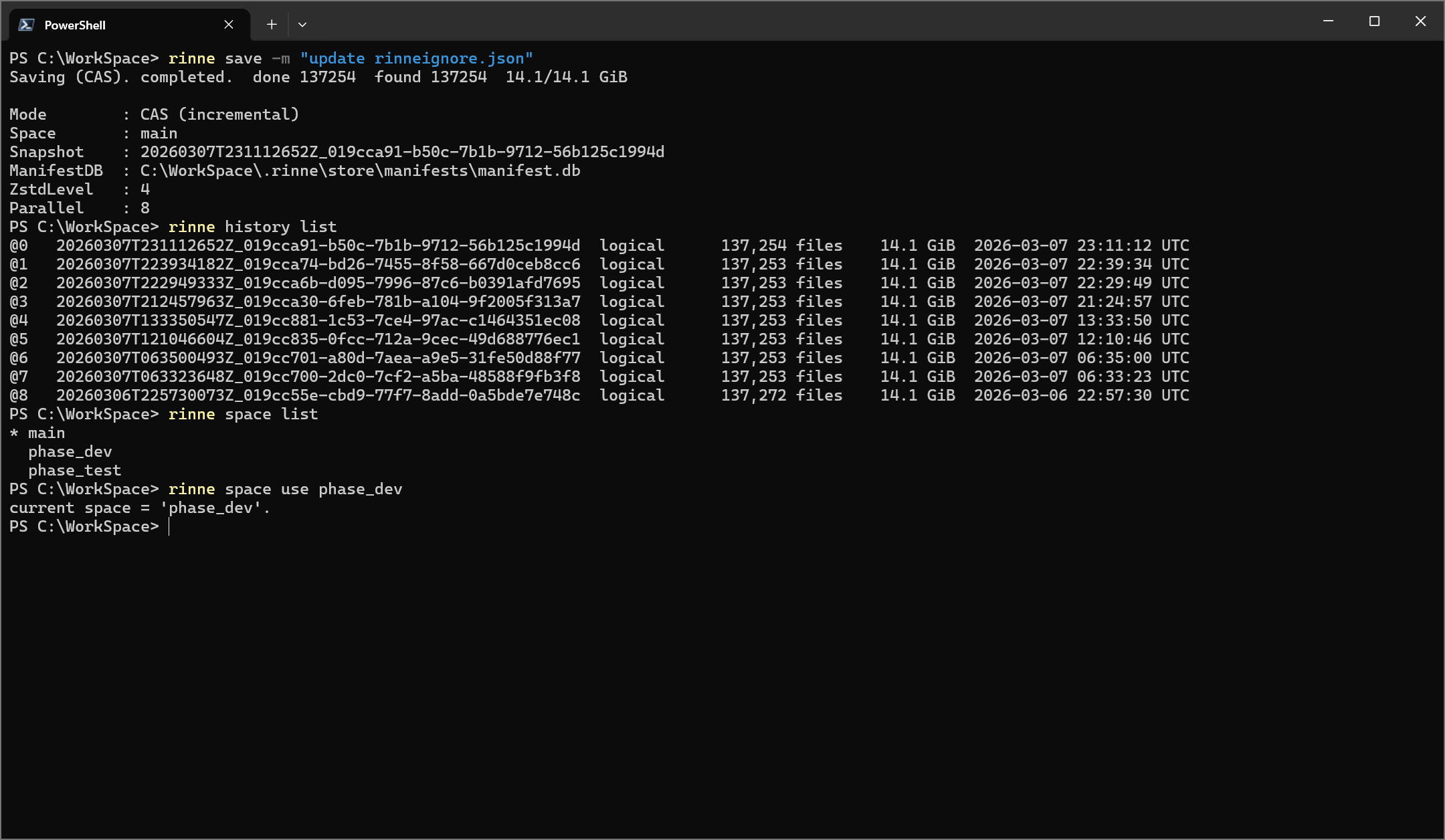
rinne save --space main
rinne save --full --space main
Inspect timeline
List snapshots, inspect entries, and resolve selectors for scripts.
rinne history list --space main
Restore to a snapshot
Restore files from a snapshot back into your working folder.
rinne restore --space main '@0'
Extract to a clean folder
Materialize a snapshot to a separate directory for inspection or handoff.
rinne extract --space main --output out '@0'
rinne extract --space main --output out '@0' --file README.md
Compare snapshots
Compare two snapshots, or compare a snapshot against the working folder.
rinne diff '@1' '@0'
rinne diff '@0' . --prefix src/
Verify snapshot metadata
Check ManifestDB and CAS metadata consistency for a snapshot.
rinne verify --space main '@0'
Validate content
Recompute hashes for all files, or validate only selected paths.
rinne validate --space main '@0'
rinne validate --space main --path README.md '@0'
Manage spaces
Create, switch, and organize independent timelines of snapshots.
rinne space list
rinne space use experiment
Attach notes
View, append, overwrite, or clear snapshot notes.
rinne note main '@0' show
rinne note main '@0' append "result: ok"
Fuse snapshots
Fuse two snapshots into a new snapshot. When the same path differs in both snapshots, the left snapshot takes precedence.
rinne fuse '@0' '@1' -o main -m "fuse: @0 + @1"
Delete a snapshot
Delete snapshot metadata and snapshot files. CAS chunks remain until garbage collection.
rinne delete '@0' --space main
Garbage collect
Clean up unreferenced data safely. Plan first with a dry run.
rinne gc --dry-run
rinne gc
Configure defaults
Manage workspace defaults for parallelism and compression.
rinne config show
rinne config set --parallel 8 --zstd 12